 A Clouds Agency app for Mac
More brightness.
Same Mac.
Unlock extra XDR brightness beyond the normal desktop limit. Up to 2× boost on compatible displays, with brightness presets and shortcuts in one Mac menu bar panel. Actual brightness varies by display and conditions.
Instant download and license key by email. 14-day refunds, no hassle.
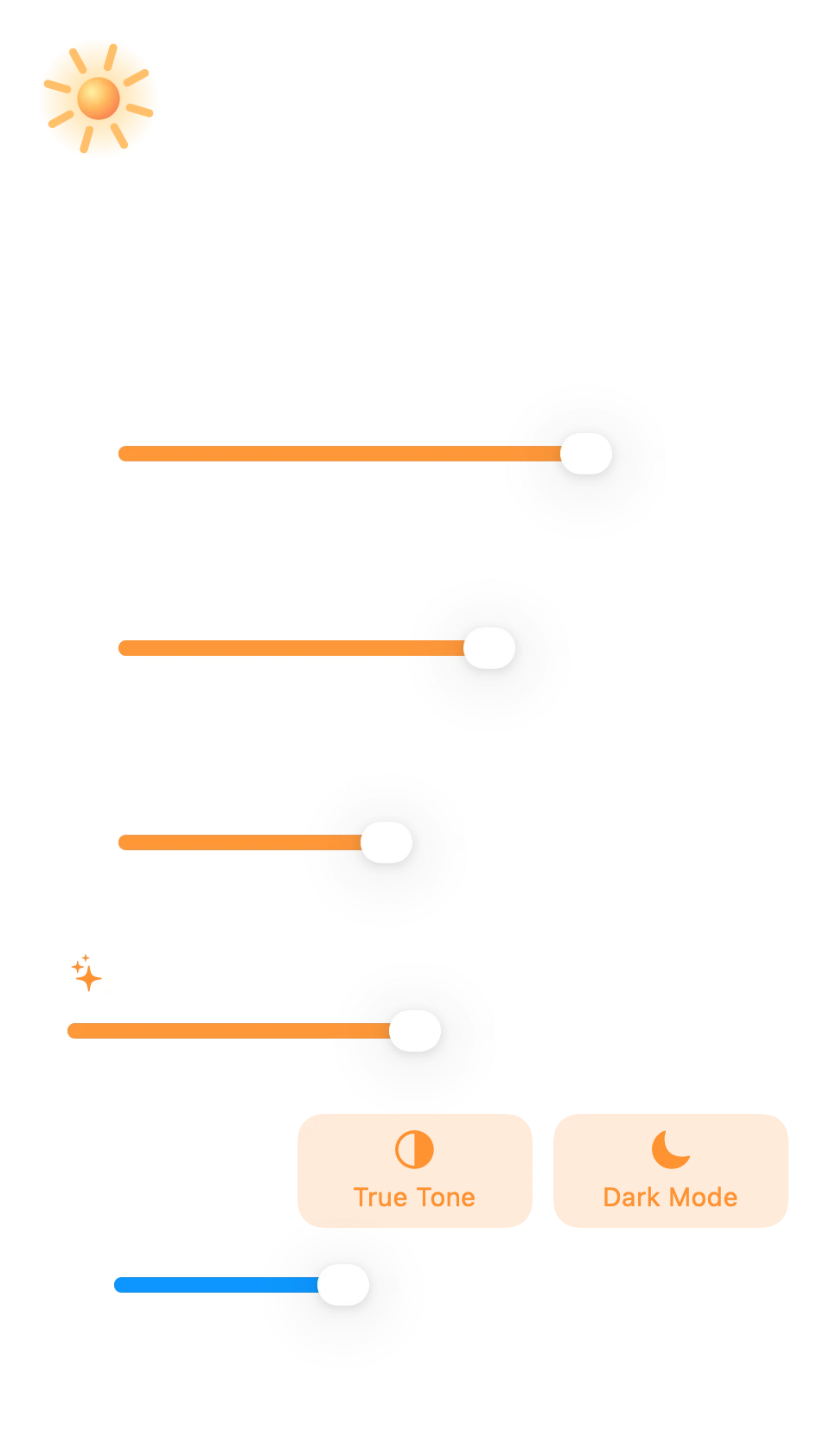
Illustrative app panel. Connected displays and available controls vary.
How it works
Your displays. One place.
Step 1
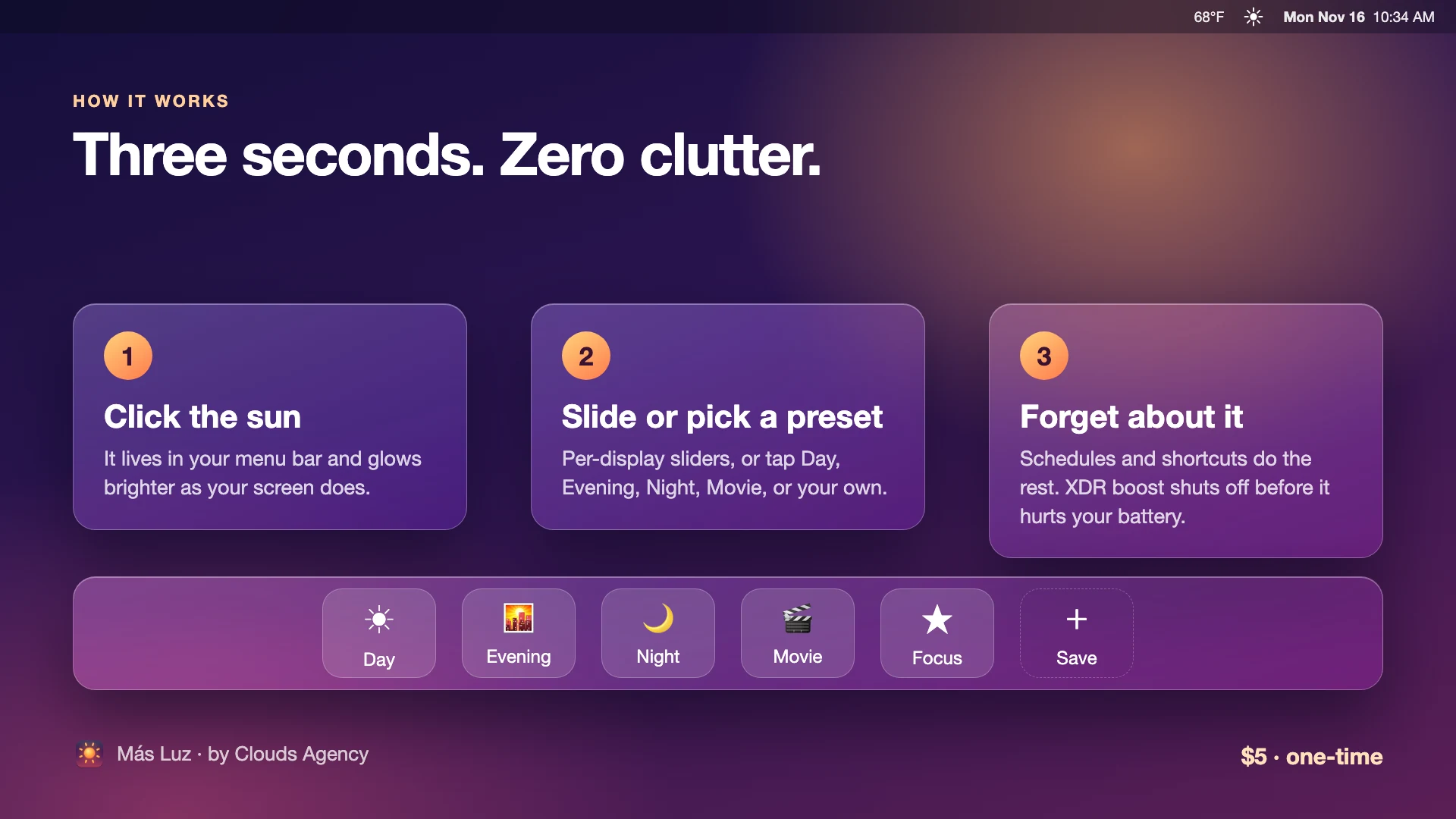
Click the sun
It sits in your menu bar and glows with your screen. One click opens the panel.
Step 2
Slide or pick a preset
A slider for every display, or tap a preset to set everything at once.
Step 3
Let it run
Schedules and shortcuts take over. Review the schedule and boost power rules for your setup.
XDR brightness boost
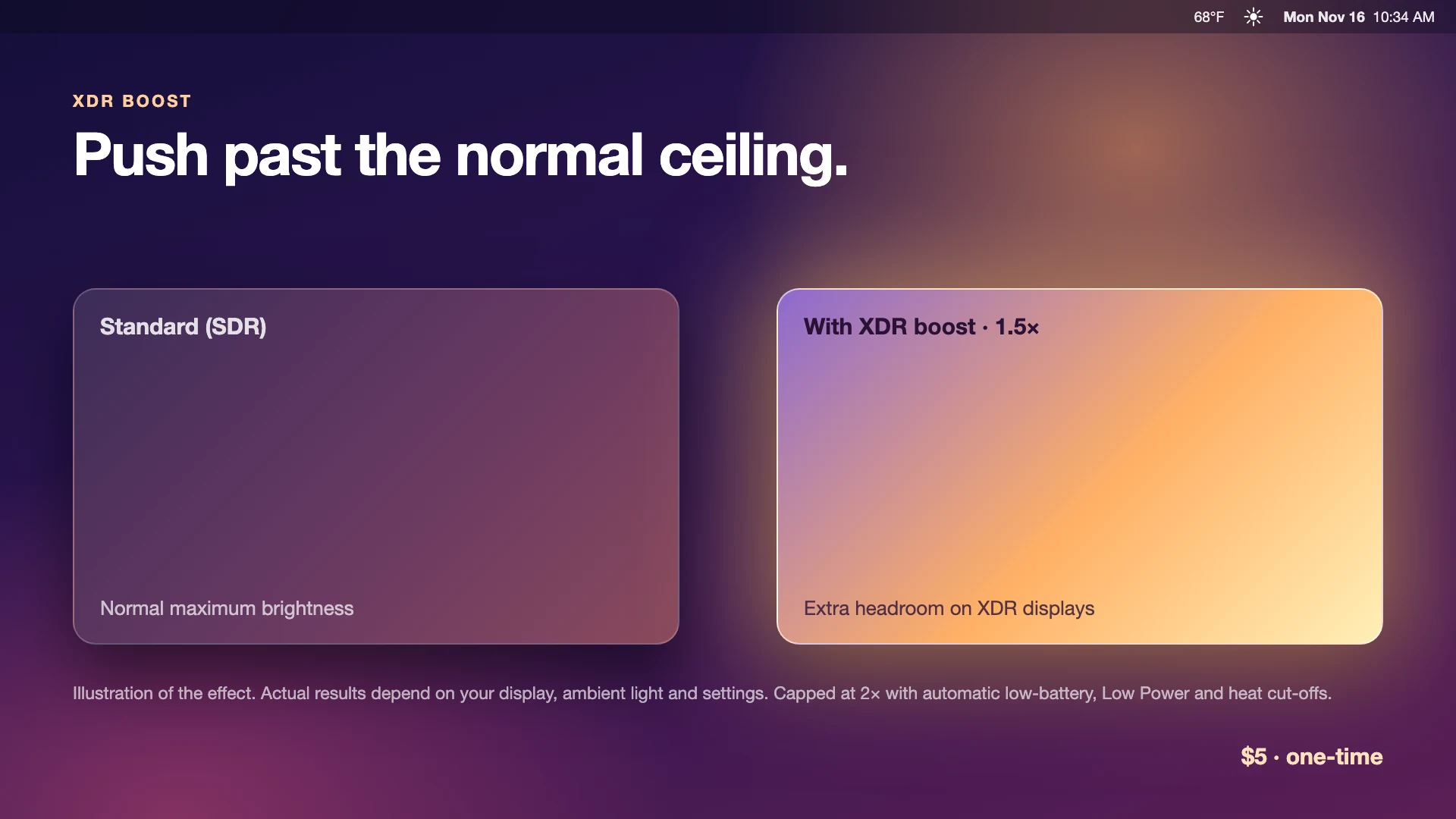
Requests up to 2× on displays with compatible headroom. Physical brightness varies. Low Power Mode, serious thermal conditions and configured battery rules turn boost off.
One panel for every display
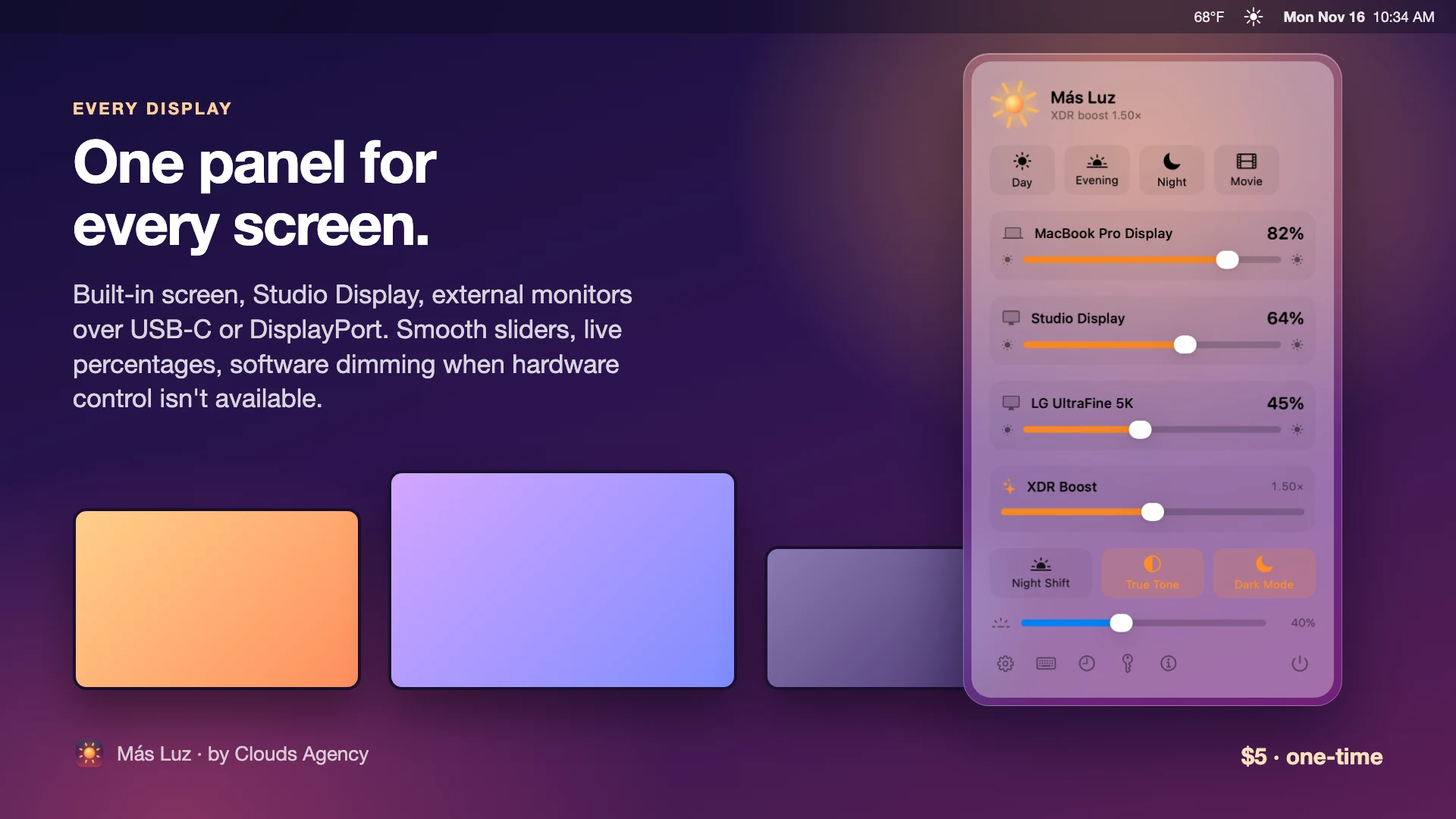
A slider and live percentage for each screen. DDC hardware control on supported monitors, smooth software dimming everywhere else.
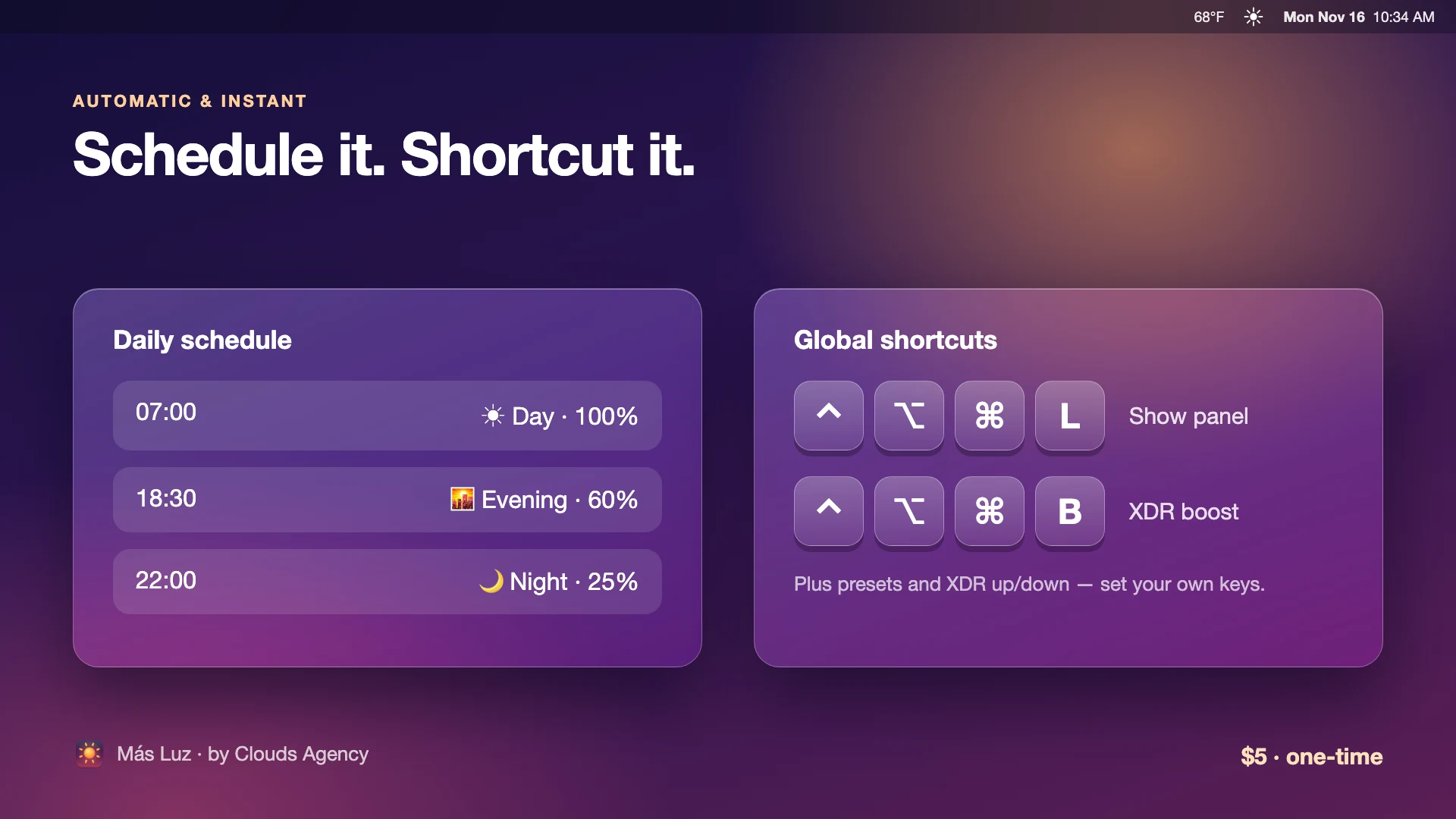
Schedules and global shortcuts
Switch from Day to Evening to Night on its own, and reach everything from the keyboard.
Small app. Big control.
XDR boost
Use compatible extended brightness headroom, capped at 2×, with Low Power Mode, thermal and configurable battery cut-offs.
Every display
Built-in and external monitors in one panel. Hardware control over DDC, software dimming where it is not available.
Presets
Day, Evening, Night and Movie out of the box. Save your own in one click.
Schedule
Switch presets automatically by time of day. Manual changes stay until the next slot.
Global shortcuts
Open the panel, toggle boost and jump to presets from any app. Set your own keys.
More controls
Night Shift, True Tone, Dark Mode and keyboard backlight, right in the panel.
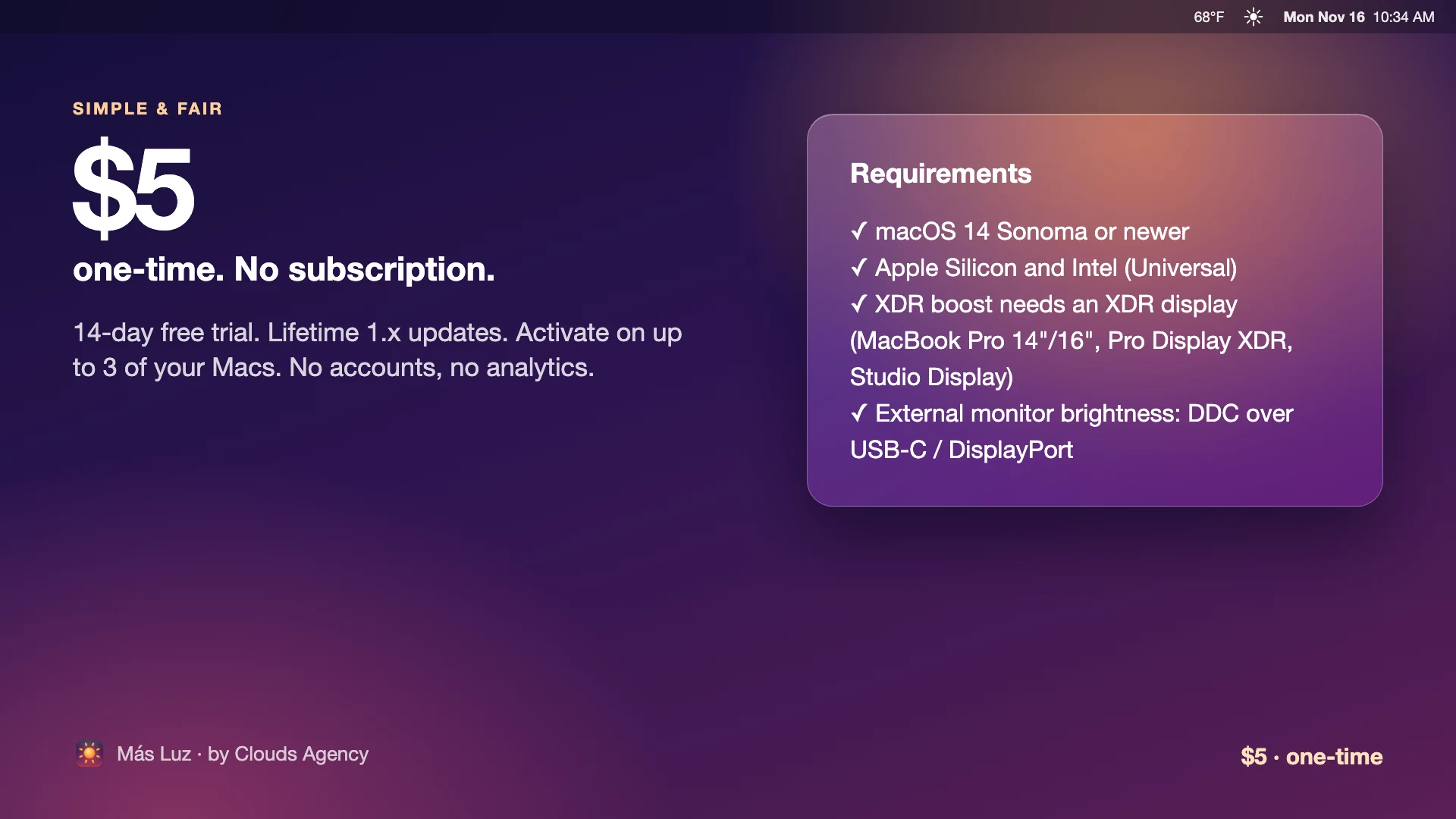
Simple and fair
$5
One-time Pro unlock. No subscription.
- Instant download and a unique Gumroad license key
- Basic brightness, presets and shortcuts remain free
- 14-day refunds, no hassle
- All 1.x updates included
- Works on up to 3 of your Macs
- macOS 14 or newer, Apple Silicon and Intel
- Boost requires compatible EDR headroom
First open on macOS
Install once. Activate your boost.
Más Luz installs like any Mac app you download outside the App Store. The first time you open it, macOS asks you to confirm. It takes about ten seconds, and you only do it once.
1. Drag to Applications
Open the DMG, drag MasLuz.app to Applications, then try opening it.
2. Confirm the first open
If macOS asks, go to System Settings → Privacy & Security, click Open Anyway next to Más Luz, then confirm Open. Enter your password only in macOS’s own prompt.
3. Activate Pro
Click the menu bar sun, then the key icon. Paste the key from your Gumroad receipt and choose Activate.
No Terminal command is needed. Apple’s guide to opening downloaded apps.
What this is, and isn't. Más Luz is a utility for brightness, not a calibration tool. XDR boost requires compatible extra headroom and is best used in bursts. External monitor control depends on your monitor's DDC support. Made by the team at Clouds Agency, and built on the open-source MonitorControl project (MIT license).
Browse all 13 guides and check your display →
Mac brightness guides
Boost MacBook Pro brightness past the limit
How the XDR brightness boost works, what it costs and how to do it safely.
External monitor brightness on Mac
DDC/CI, Apple Silicon ports and why your brightness keys do nothing.
Dim your Mac below the minimum
Software dimming for night, movies and dark rooms.
Automate Mac brightness
Schedules, presets and keyboard shortcuts that save time.
Unlock more MacBook Pro brightness for $5
Install, try free for 14 days, unlock once. Safety limits included.
Más Luz vs MonitorControl, Lunar, BetterDisplay
What each app does and what you get for a one-time $5.
Is a Mac brightness boost safe?
Heat, battery and the guardrails that limit boost.
Choose a Mac brightness app
Documented use cases, vendor links and a clear publisher disclosure.
Questions
What is Más Luz?
A Mac menu bar app for per-display brightness, presets, schedules, shortcuts and supported system display controls. The optional Pro feature is XDR boost.
How do I buy and activate XDR boost?
Buy the $5 one-time license on Gumroad, download the DMG, drag the app to Applications, then enter your receipt’s license key under the menu bar panel’s key icon. A license supports up to 3 Macs.
How do I open Más Luz the first time?
Drag Más Luz to Applications and open it. If macOS asks you to confirm, open System Settings, then Privacy & Security, click Open Anyway next to Más Luz and confirm Open. You only do this once, and later in-app updates install without it. Managed Macs may need administrator approval.
Which Macs and displays are supported?
The app targets macOS 14 Sonoma or newer on Apple Silicon and Intel. Extra brightness requires a compatible display with EDR headroom reported to macOS. A Retina or Studio Display name alone does not establish boost support. Monitor and cable compatibility still matter for hardware brightness.
Does XDR boost guarantee twice the brightness?
No. The requested rendering multiplier is capped at 2× and by the display’s reported potential headroom. Physical luminance depends on the display and current conditions. The app checks Low Power Mode, serious thermal state and configurable battery rules.
What is free and what is Pro?
Basic brightness, presets, schedule, shortcuts, Night Shift, True Tone, Dark Mode and keyboard backlight controls remain free where supported. The $5 license unlocks XDR boost and includes 1.x updates.
Can I control an external monitor?
Hardware brightness depends on the monitor and connection supporting the required control path. Software dimming is available as a fallback, but it changes the image rather than the physical backlight.
How does activation work?
A Gumroad purchase will provide a key for up to 3 Macs. Initial activation needs internet. A verified license is trusted for up to 30 days after its last successful check. Deactivation removes the local license; contact support to recover a slot for a replacement Mac.
What is the refund policy?
14-day refunds, no hassle. Contact contact@cloudsagency.co or reply to your purchase receipt.
What data is sent?
No analytics, tracking account or usage telemetry is added by Más Luz. License activation sends your key and product identifier to Gumroad; the response can include the purchase email. License state is stored in a private local app-support file so activation survives app updates; readable legacy Keychain state is migrated without deleting it. Update checks contact the configured GitHub feed and download host.
Is Más Luz a calibration tool?
No. Per-display sliders and presets help you control brightness, but matching percentages across screens does not establish a calibrated luminance or color match. Más Luz builds on MonitorControl and credits its open-source origins in the app.
Why is Más Luz only $5?
It is a one-time purchase with no subscription: per-display brightness, presets, a schedule, shortcuts and XDR boost for $5, with a 14-day trial and 14-day refunds.
How is Más Luz different from MonitorControl?
Más Luz is built on the open-source MonitorControl and adds a glass menu bar panel, presets, a schedule, global shortcuts, system display toggles and optional XDR boost.
Questions about Más Luz?
Contact UsXDR Pro · $5 onceUnlock XDR